Cat and bunny ears
Try the same cleanup on ears, whiskers, noses, and other animal decorations.
 AI FilterRemoverTry it free
 01 Animal lens cleanup
Dog ears, noses, tongues, and animated overlays are fun until they are baked into the only copy of a photo. Upload the saved image for a restrained reconstruction of the covered face area.
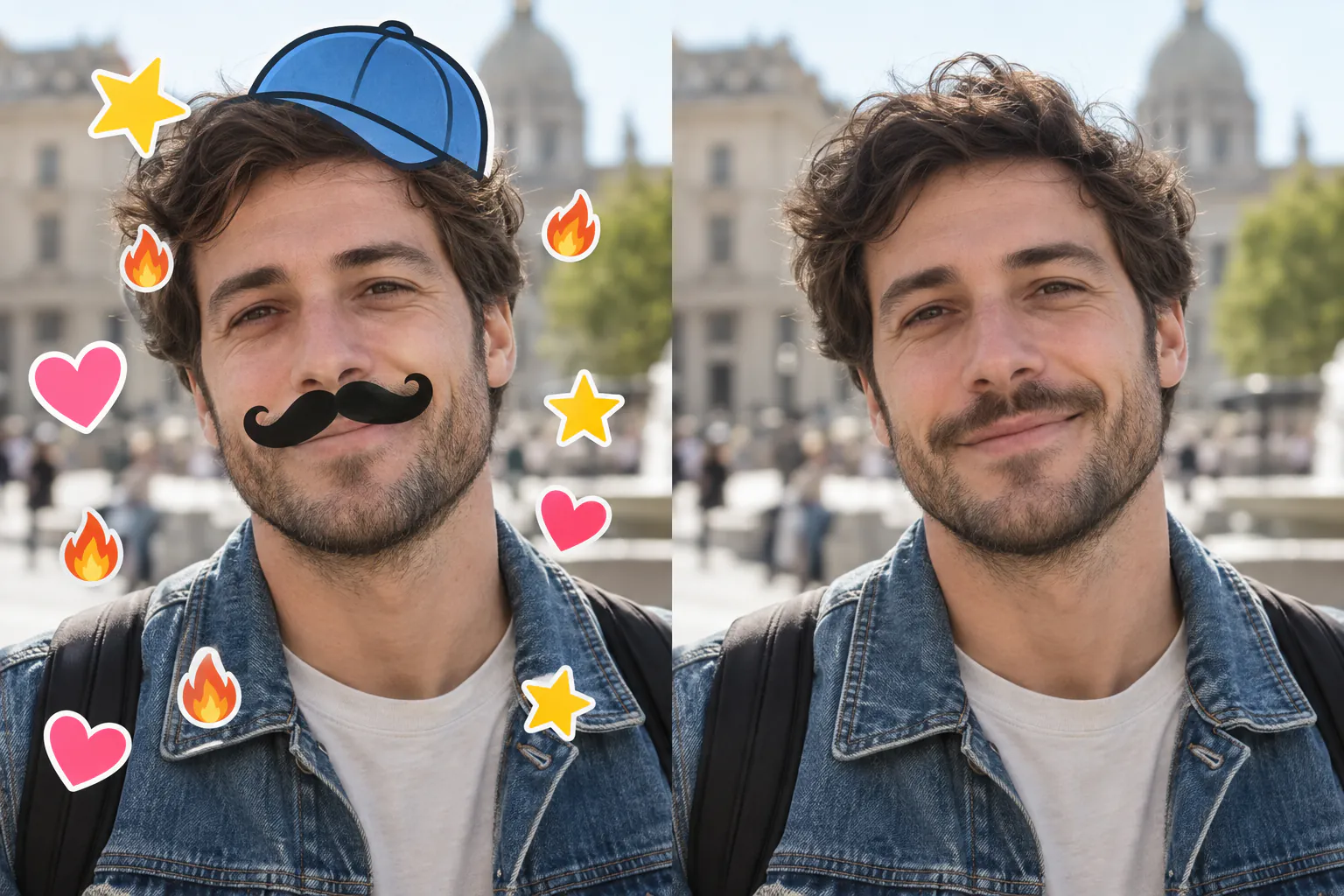
Representative overlay case. Results vary when a lens covers the eyes, nose, or mouth.
02 A representative case
This page focuses on animal-face lenses, but the visual case uses the same underlying operation: detect the overlay, preserve the visible surroundings, and reconstruct a plausible local region.
03 Related overlays
Try the same cleanup on ears, whiskers, noses, and other animal decorations.
Remove simple face accessories when enough surrounding detail remains to guide the fill.
For large emoji or sticker coverage, switch to the broader overlay-removal workflow.
04 Quick workflow
Use the highest-resolution saved copy instead of a screenshot when possible.
Manual Overlay mode is useful when the dog lens is clearly the dominant effect.
Compare eyes, hairline, mouth, and background before you download the result.
05 Frequently asked
You can try the Overlay mode on a saved photo. It works best when the overlay does not completely cover the eyes, mouth, and surrounding contours.
No. The face pixels covered by the lens are missing from the saved image. AI can make a plausible estimate, not recover the exact hidden details.
Cat ears, bunny ears, glasses, masks, emoji faces, and simple sticker overlays are all reasonable candidates for the same workflow.
Use the comparison view to decide whether the reconstruction is useful.
06 Related paths