Natural color balance
Reduce heavy warmth, faded blacks, or colored shadows without flattening the whole image.
 AI FilterRemoverTry it free
 01 Analog look reduction
Polaroid, 35mm, digicam, and disposable-camera effects can shift every part of a picture: grain, contrast, warmth, blur, and flash. Restore a cleaner version without throwing away the scene itself.
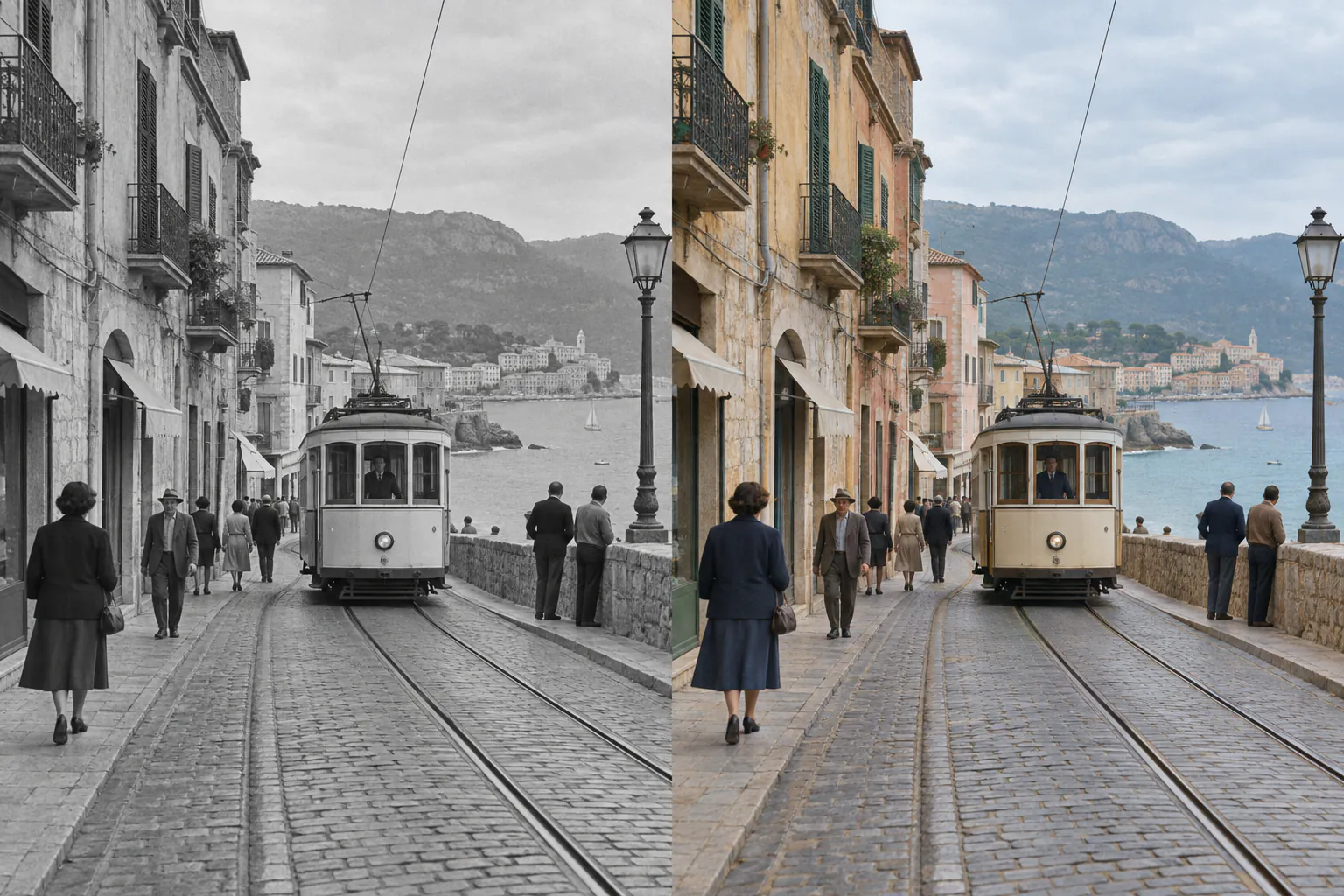
A color and texture estimate based on visible scene information.
02 Film case
Retro filters are often a bundle of small changes. The best restoration separates them so the result keeps the original subject, composition, and material detail.
03 Restoration layers
Reduce heavy warmth, faded blacks, or colored shadows without flattening the whole image.
Preserve wood, foliage, skin, and fabric texture while reducing synthetic grain.
Rebalance harsh light and dark corners when those effects obscure the visible scene.
04 How it works
Higher resolution gives the restoration more texture and color information to work with.
Use Color for a dominant grade, or Auto when grain, blur, and lighting are mixed together.
Keep the restored frame only if it serves the memory better than the stylized version.
05 Frequently asked
Yes, you can reduce the visible color, grain, blur, and lighting treatment. The exact camera exposure and hidden detail cannot be recovered.
It aims to reduce synthetic grain while preserving useful image texture. The result is intentionally restrained rather than perfectly smooth.
It can reduce strong warm or faded grades. If the filter changed the face or covered detail, use Auto so the system can account for more than color alone.
Compare the cleaner version before you commit to a download.
06 Related paths