
01 Context-aware colorization
Bring color back.
Keep the original light.
Turn a monochrome treatment into a believable color image. The engine reads materials, foliage, skin, sky, and lighting separately instead of washing the entire frame with one tint.
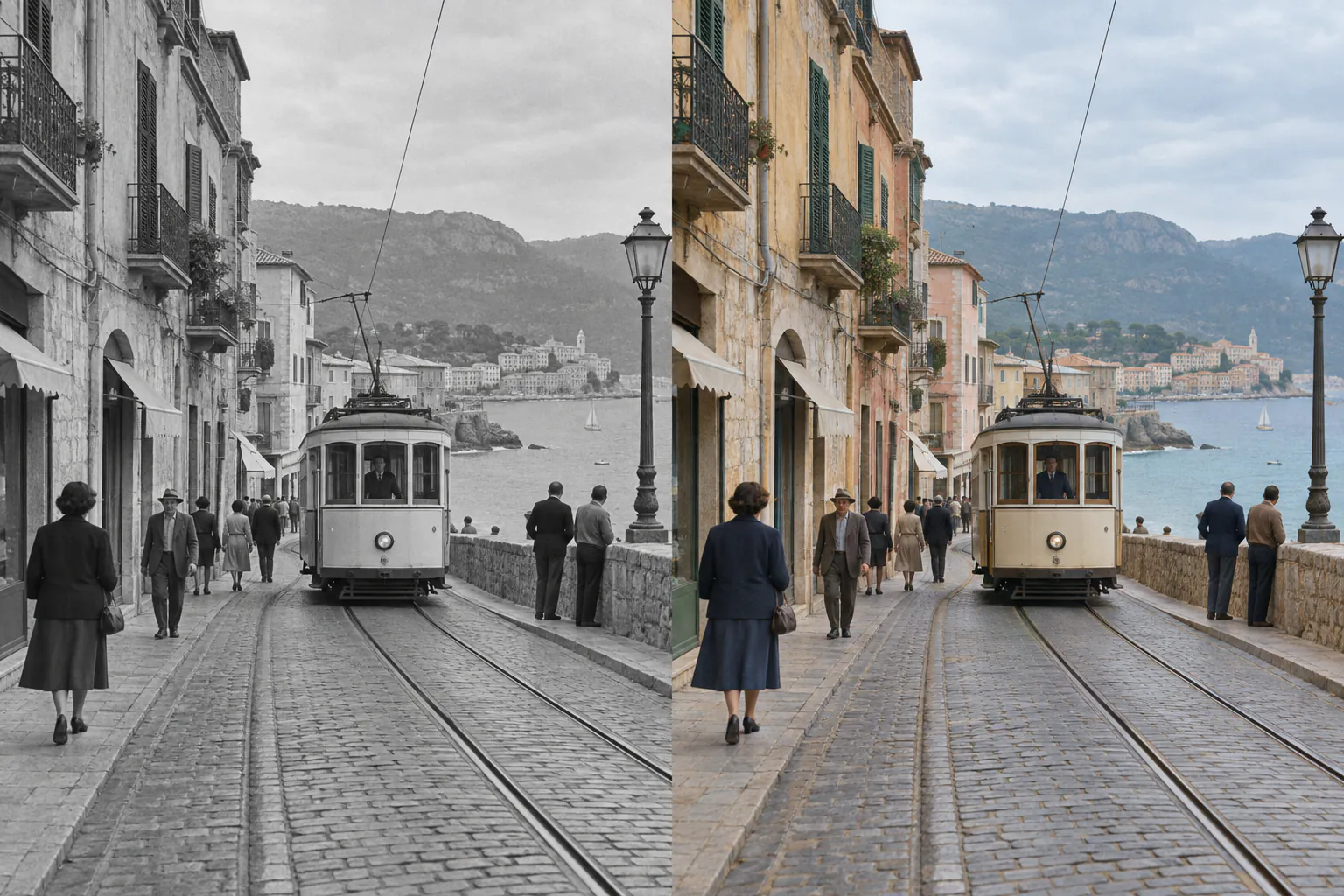
The restored colors are plausible estimates, not recovered original values.
02 Wildlife case
Color that follows the scene.
The example separates brown fur, green foliage, pale ground, and filtered daylight. Preserving the grayscale structure keeps depth and texture intact.
03 Best workflow
From monochrome file to reviewable color.
Use the cleanest file
Upload a high-resolution scan or export without extra compression when possible.
Select B&W mode
This directs the restoration toward color inference while preserving the original tonal map.
Check uncertain details
Compare faces, uniforms, products, and historic objects before sharing the result.
04 Frequently asked
Black-and-white filter FAQ
Can AI remove a black-and-white filter?+
It can estimate natural-looking color from the remaining light, objects, and scene context. Exact original color data is not present in a flattened monochrome image.
Does this work on old family photos?+
Yes. A sharp scan with balanced exposure provides the best starting point. Scratches or major damage may require a separate restoration pass.
Can I colorize animals and landscapes?+
Yes. The model treats fur, bark, foliage, water, and sky as different materials rather than applying a single global tint.
Give the scene a color pass.
Upload once, inspect the estimate, and keep the monochrome original too.
05 Related paths