Read the combination
Check texture, proportions, color, lighting, and overlay boundaries as separate signals.
 AI FilterRemoverTry it free ↗
01 Mixed-effect portrait route
A single face filter can combine smoothing, feature reshaping, color grading, eye effects, and graphic overlays. Auto mode analyzes those signals together so you do not have to identify the exact lens first.
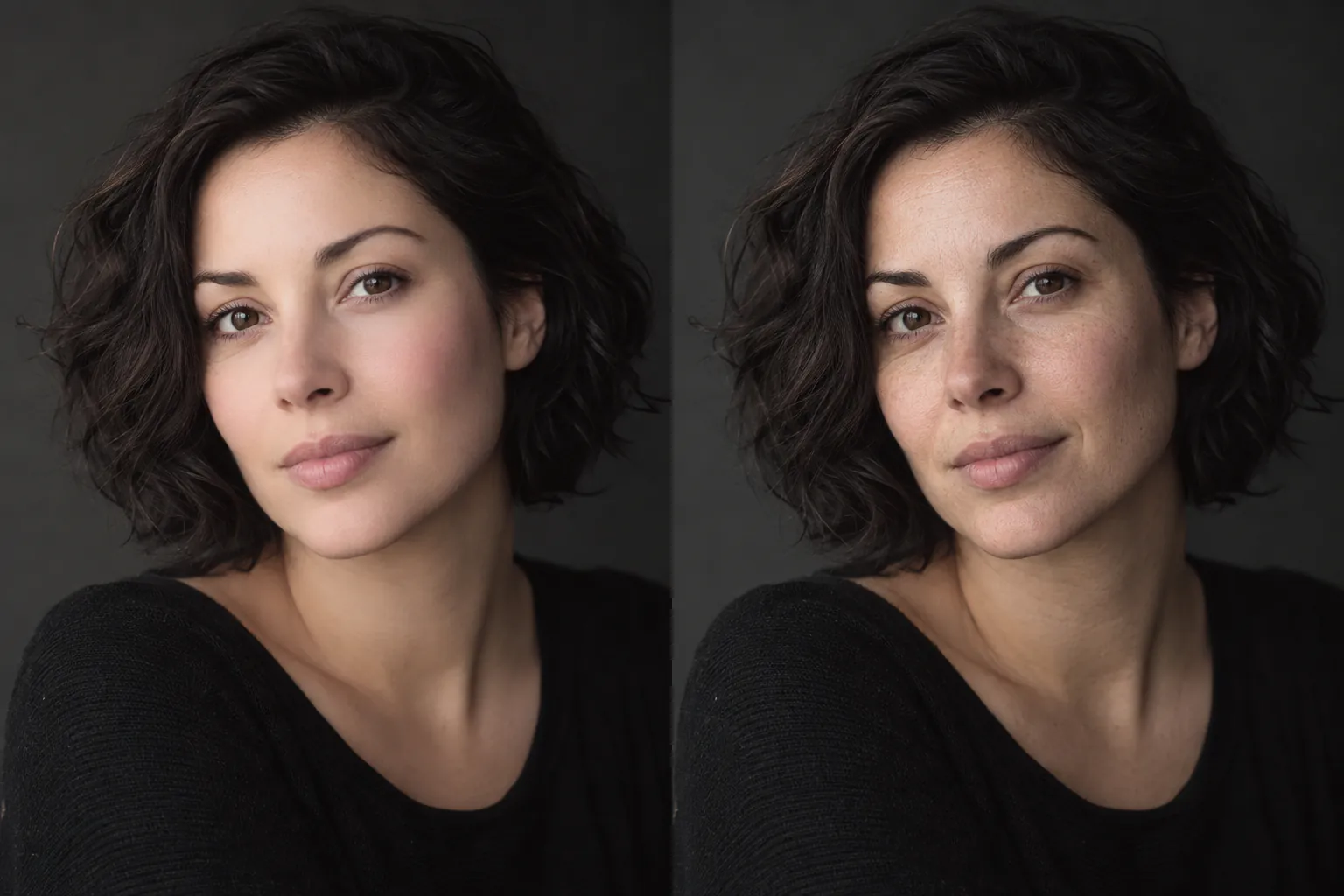
The result is a reconstruction based on visible evidence, not the hidden original.
02 Automatic routing
Auto mode examines the photo for common visual signatures and chooses a restoration mix. Manual Beauty, Color, Overlay, and B&W controls remain available when you know the dominant effect.
Check texture, proportions, color, lighting, and overlay boundaries as separate signals.
Keep expression, pose, hairstyle, and recognizable features tied to the uploaded frame.
Present the output as a plausible version and compare it side by side before saving.
03 Frequently asked
Choose Auto. It checks for smoothing, color changes, overlays, monochrome treatment, and other common effect patterns.
No. Once a filter replaces or hides facial pixels, the exact earlier appearance is unavailable from the exported image.
Subtle smoothing, color, glow, and small graphics preserve more usable information than full masks or dramatic reshaping.
Upload the photo first; switch to a manual mode only when you need tighter control.
04 Related paths