CASE 01
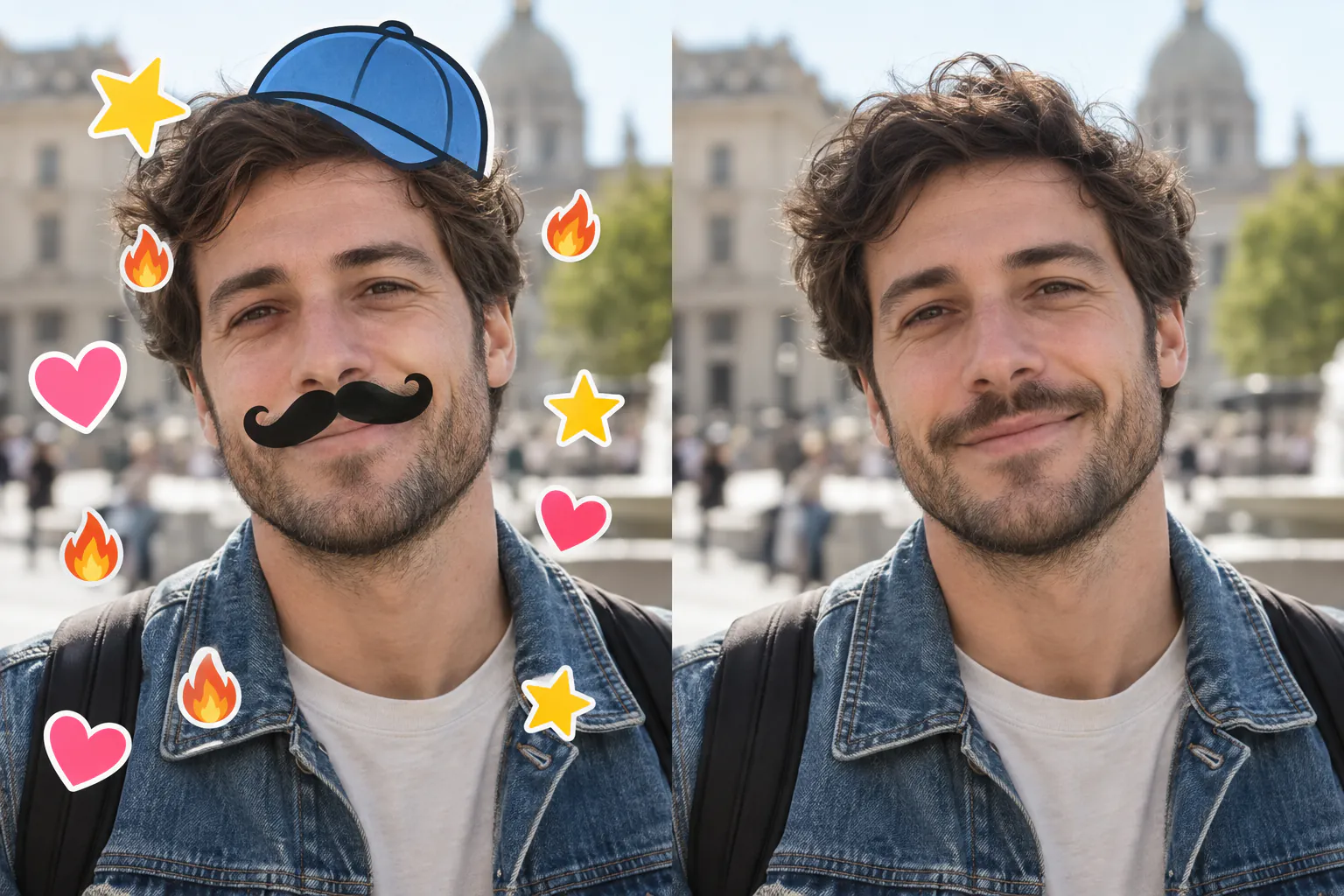
Portrait / existing detail
Gentle detail enhancement. No generated skin or reshaping.

 AIfilterremoverPHOTO STUDIO
AIfilterremover · Your photo, refined
AIfilterremover is your online photo studio for removing stickers, correcting color, and refining filtered photos.
Your saved sign-in will appear here.
1 free photo daily · No credit cardCover the entire dog ear, nose, emoji or sticker, including its border. Painting the background will not remove a face filter. Unpainted stickers and full-face glitter stay unchanged. We check your selection before processing; invalid selections use no credit.
Touch or drag to mark · Keyboard: arrows + Space · Maximum 30% of the photo. Smart cleanup may fill small enclosed gaps and include up to 12 px around edges. Hidden details are AI guesses, not recovered originals. Failed edits use no credit.Choose a photo to begin.
OUTPUT 02
Stored for private quality reviewFailed jobs stay free
Explore the possibilities
One studio, different ways to edit. Use AIfilterremover to clean up marked stickers, rebalance color casts, enhance existing portrait detail, or add plausible color to black-and-white photos. Choose the mode that fits your photo.
Gentle detail enhancement. No generated skin or reshaping.
A restrained white-balance adjustment, without redrawing fur.

Neutral tones while keeping every leaf edge intact.

Mark the graphic. The marked region is reconstructed with small-gap and edge cleanup.
Adds plausible color without flattening the original film texture.
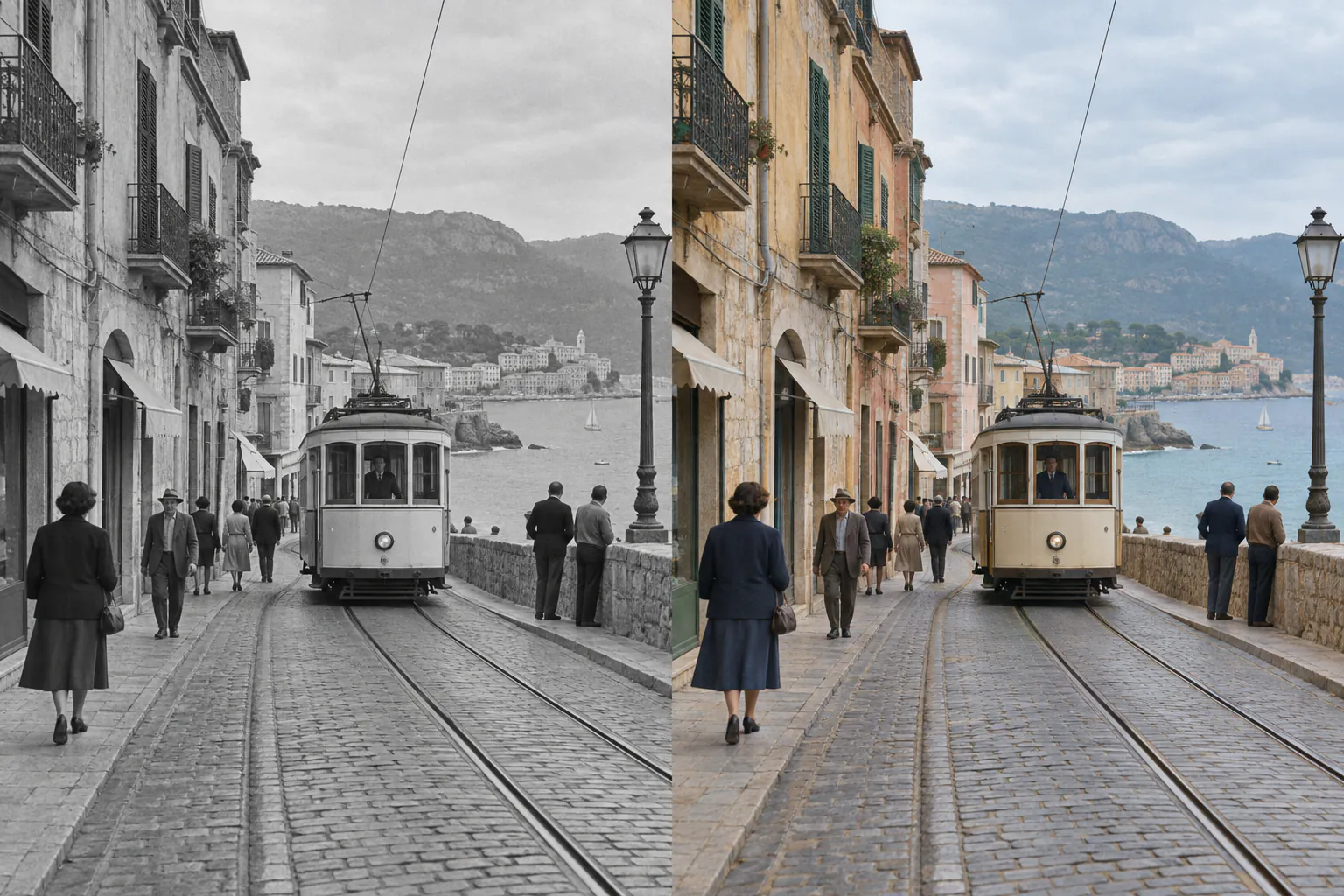
Demonstration images. Restored areas and colorized hues are AI estimates—not recovered original pixels or historically verified colors.
One photo. The right approach.
AIfilterremover matches the edit to the effect: targeted reconstruction for stickers, gentle correction for color, and detail enhancement for portraits. Start with Auto or choose a mode yourself.
Image analysis helps choose between portrait restoration, color correction, sticker removal and colorization.
The edit aims to preserve the subject and composition while reducing the selected effect.
Compare the original and restored version, then download the result when you’re happy with it.
Simple from the start
Upload a photo, choose what to change, and compare the result before downloading. AIfilterremover runs in your browser—no software to install.
Choose a filtered portrait, pet photo, product image, or scene.
Let Auto select the edit, or choose the effect you want to reduce.
Review the reconstruction side by side before you save anything.
Good to know
Filters can permanently hide or change image detail. Restoration estimates what could look natural; it cannot recover the exact original pixels. Check faces, covered areas and colorized details before you use the result.
A few things worth knowing
No. A photo temporarily reserves one credit while it is processing. If it fails or times out, that credit is released. You get one successful restoration per account per UTC day.
The editor corrects mild color casts, enhances existing detail, and reconstructs marked stickers. It cannot undo face reshaping or recover lost skin detail.
Many baked-in social media filters can be reduced. Light color and smoothing effects usually work better than effects that heavily reshape or cover the subject.
Color correction and marked-area sticker repair can be used on these photos. Color correction keeps the existing geometry and does not generate replacement fur, leaves or product detail.
Brush over the sticker and its border. Only marked pixels are reconstructed; unmarked working-image pixels are preserved. Covered facial details are guesses and may be wrong. Check the result carefully.
Yes. The colorization mode estimates believable colors from objects, lighting, and historical context while preserving luminance and film texture. It cannot know the original colors with certainty.
Current Beauty mode uses bounded sharpening of existing pixels, not generative face editing. It preserves geometry but cannot undo face slimming, remove makeup or invent lost pores. An unchanged result uses no credit.
No. Lost or hidden pixels cannot be retrieved from a flattened image. The tool creates a visually plausible reconstruction based on what remains visible.
Find your kind of edit
Explore examples and practical tips for the effect in your photo, then open the studio with the right mode ready.
Beauty filterEnhance existing detail Face filterKeep visible features
 AI makeupWhat can be recovered?
 Cartoon effectLimits & alternatives
 Stickers & emojisMark & repair stickers
 Snapchat filterClean up saved social photos
 Dog lensRemove ears, noses & lenses
 Instagram FlashCorrect mild color casts
 Black & whiteAdd believable color
 Retro / PolaroidRebalance vintage color
Make it yours with AIfilterremover
Start with one photo. Get 1 free successful edit per account each UTC day when you sign in with Google. Failed edits use no credits.
Try AIfilterremover free